A login and a fee for every company
V+
Every company under one login and one fee.
Accounting software that does the reading for you
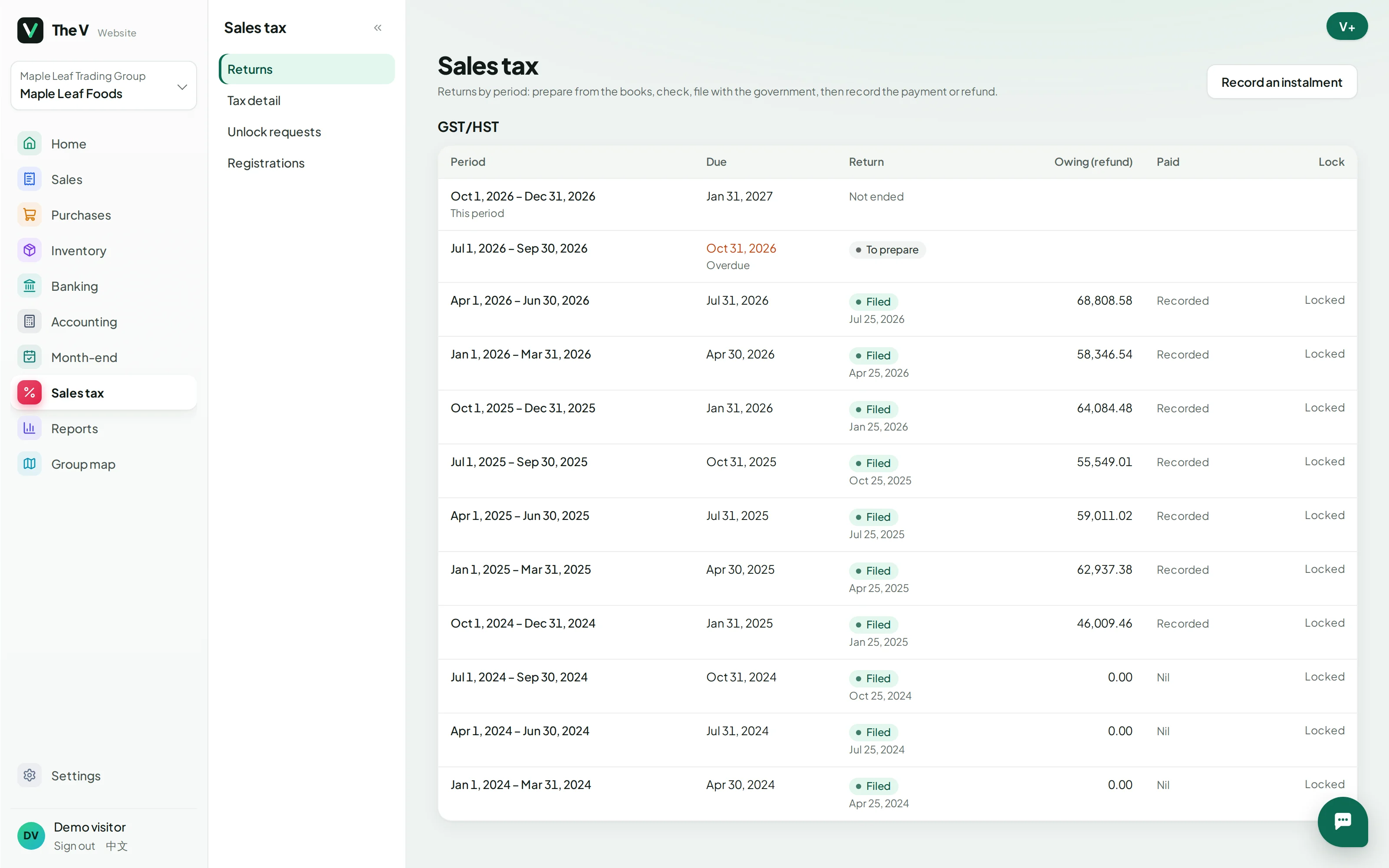
These are the demo group’s own screens. Open the demo and they are yours to click through, change and break: each visitor gets a copy, fresh every day.
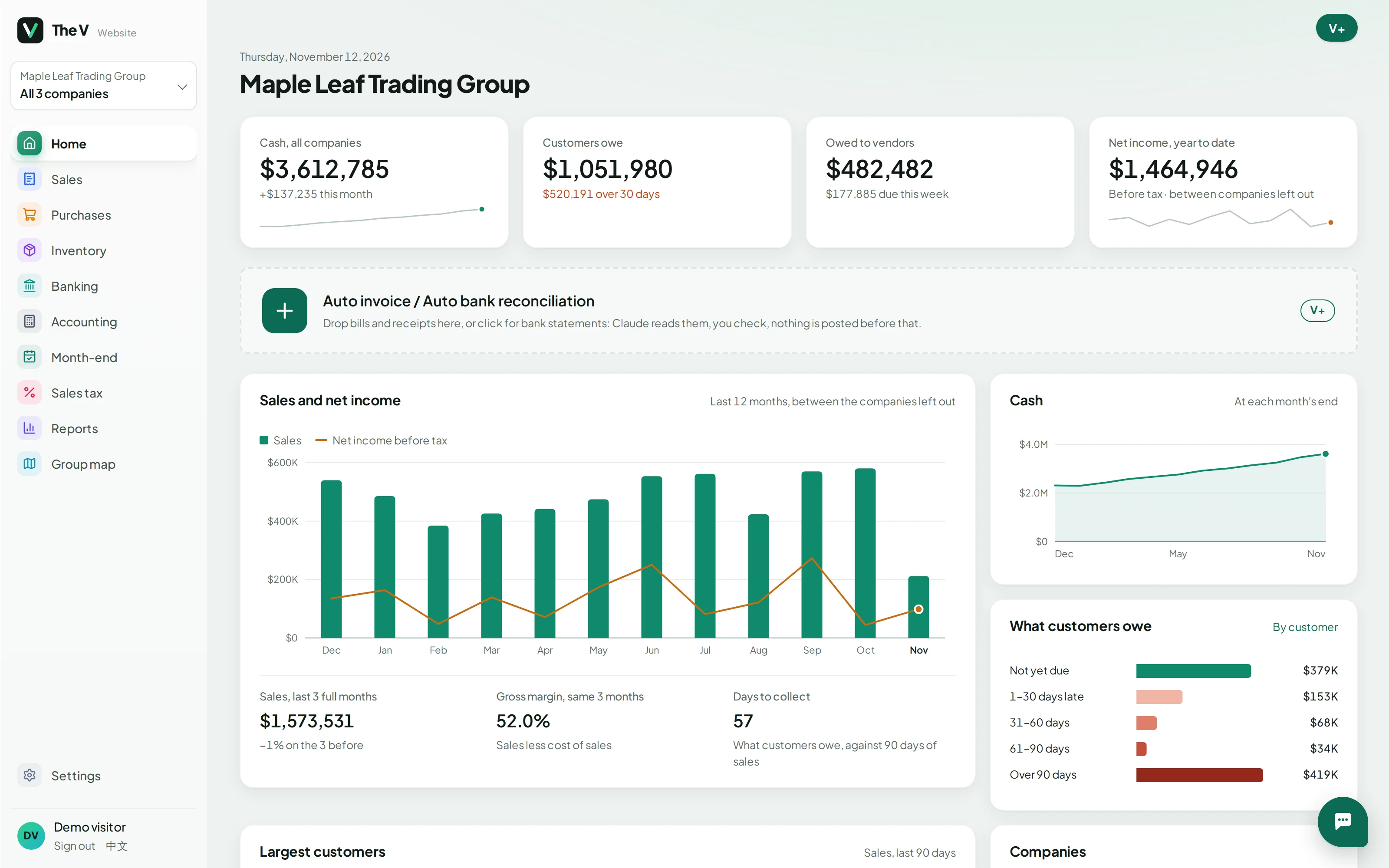
Cash, what customers owe, what you owe and profit, for one company or the whole group, with the money between your companies left out.
Hover a card to see how V+ fixes it.
Every company under one login and one fee.
Drop the PDFs or photos: V+ reads them, you check.
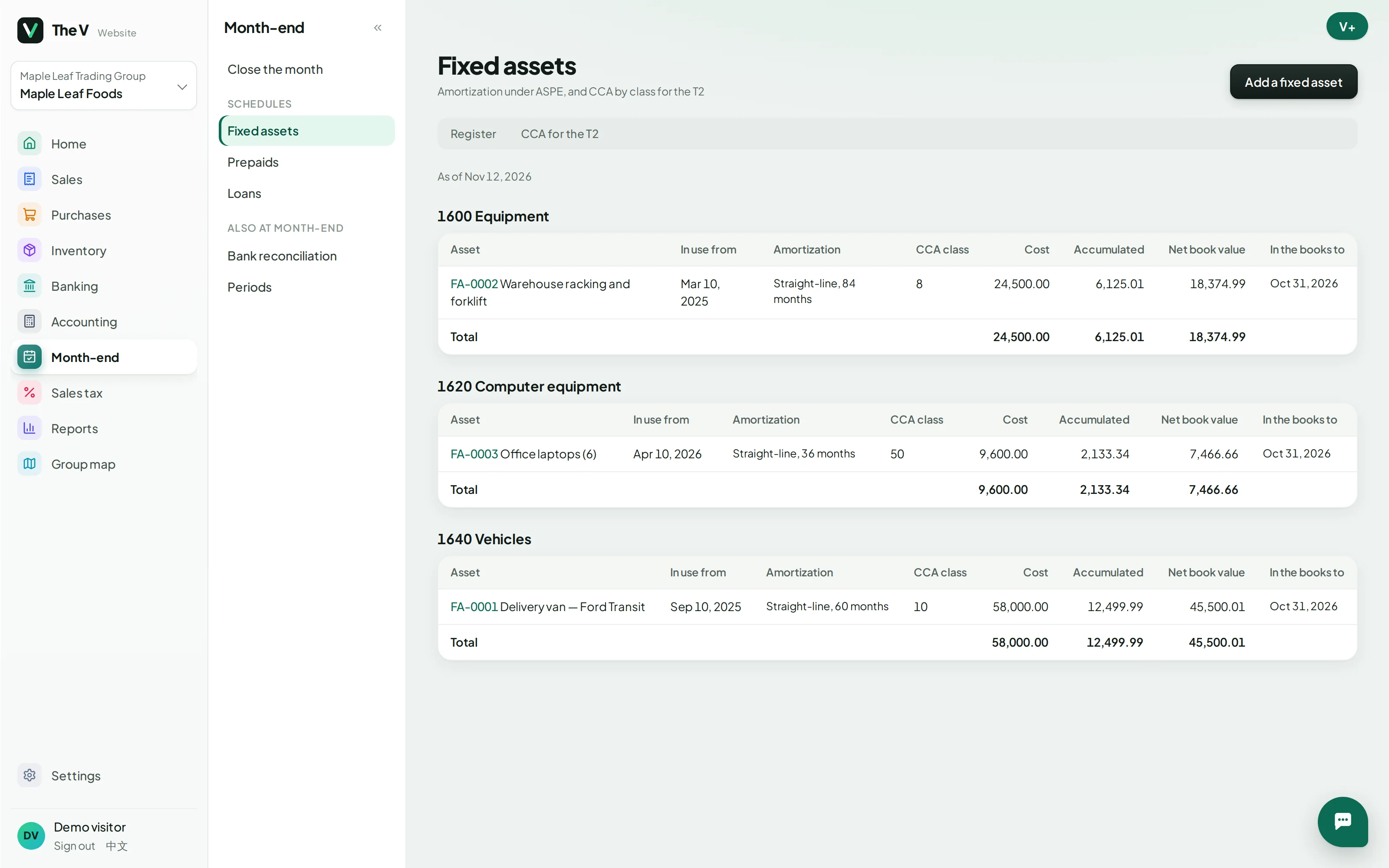
Depreciation, prepaids and interest worked out; V+ reviews, one click posts.
Group totals on the home page, between-company amounts left out.
Your accountant works in the same books, with their own role.
One PDF: statements, aging, tax and bank statements.
Traditional software records what you type in. V+ does the typing, the matching and the month-end work, and you check it.
V+ does the reading and the matching. You check, and nothing is posted before you do.
Forward them, drop the PDFs, or snap a receipt. V+ reads the vendor, lines and taxes and sends each to the right company.
Every morning, from your bank or a statement file. Most lines match an invoice or a bill by themselves.
Invoices carry a payment link; reminders go out on their own. Paid ones close themselves.
Fees and goods between your companies are booked on both sides at once, and left out of the group totals.
Depreciation, prepaids and loan interest are ready; V+ points out what is missing. One click posts it, GST/HST is prepared, and the period locks.
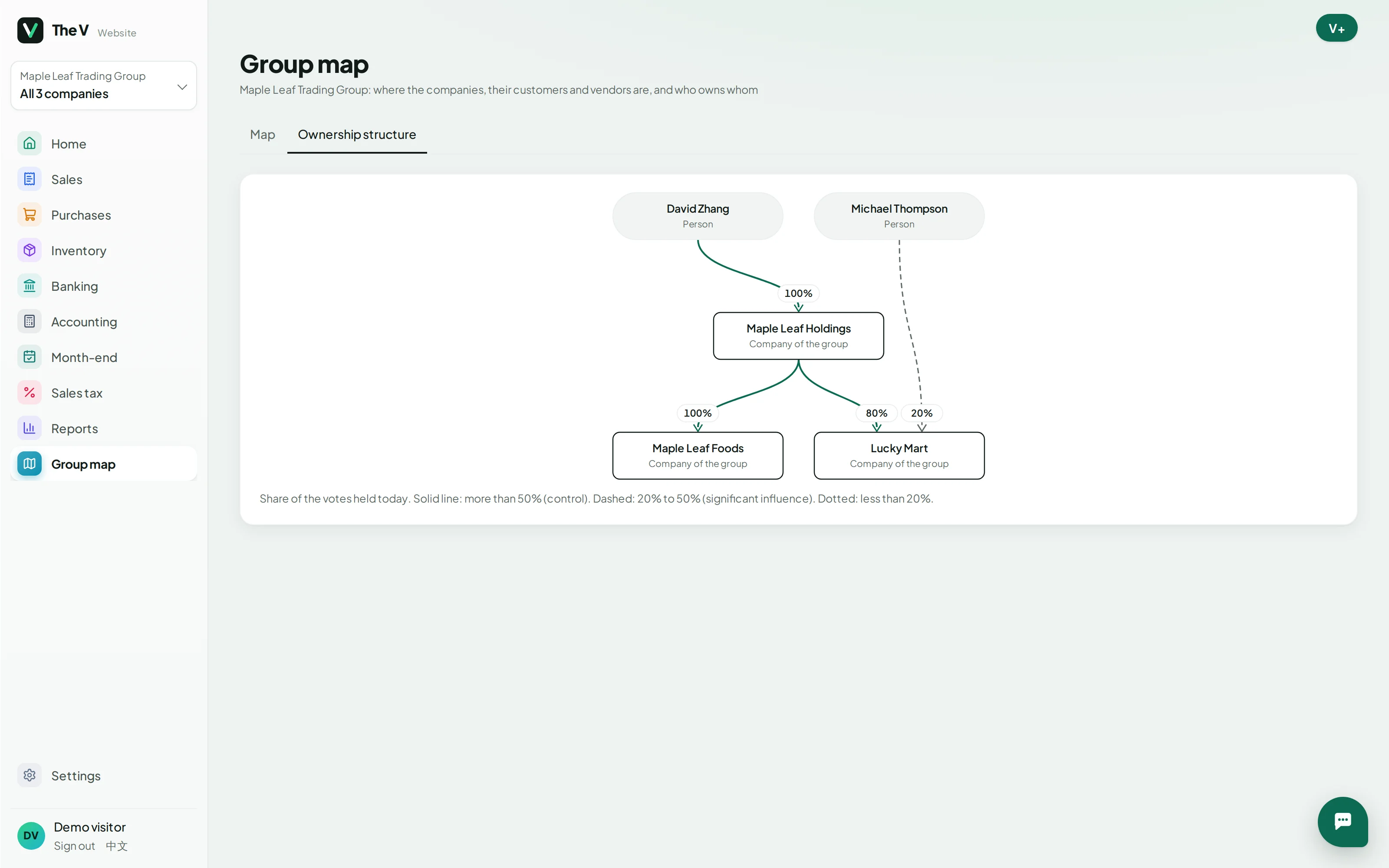
Holding company, operating company, a property company on the side: each keeps its own books, and you see them all from one place — who owns whom, what each earns, what each owes.
Group totals on the home page, a share register for each company, and the ownership chart. One plan covers the whole group.
Drop twenty PDFs or phone photos at once. V+ reads the vendor, lines and taxes, picks the account — or the item — and sends each to the right company. Nothing posts until you check.
Depreciation, prepaids and loan interest worked out for every company. V+ looks over the month — what is missing, what looks off — and the entries post in one click.
An asset register with book depreciation under ASPE or IFRS, and capital cost allowance by class for the T2, with the first-year rules applied for you.
Insurance and subscriptions spread over their months. Loans calculated, imported from the lender’s schedule or typed in, with each payment split into interest and principal.
Transactions come in from your bank or a statement file. They are matched to invoices and bills, the rest suggested, and the account reconciles when every line is dealt with.
Invoices go out with a payment link: card through your own Stripe, or Interac e-Transfer. Reminders send themselves, and the money never passes through us.
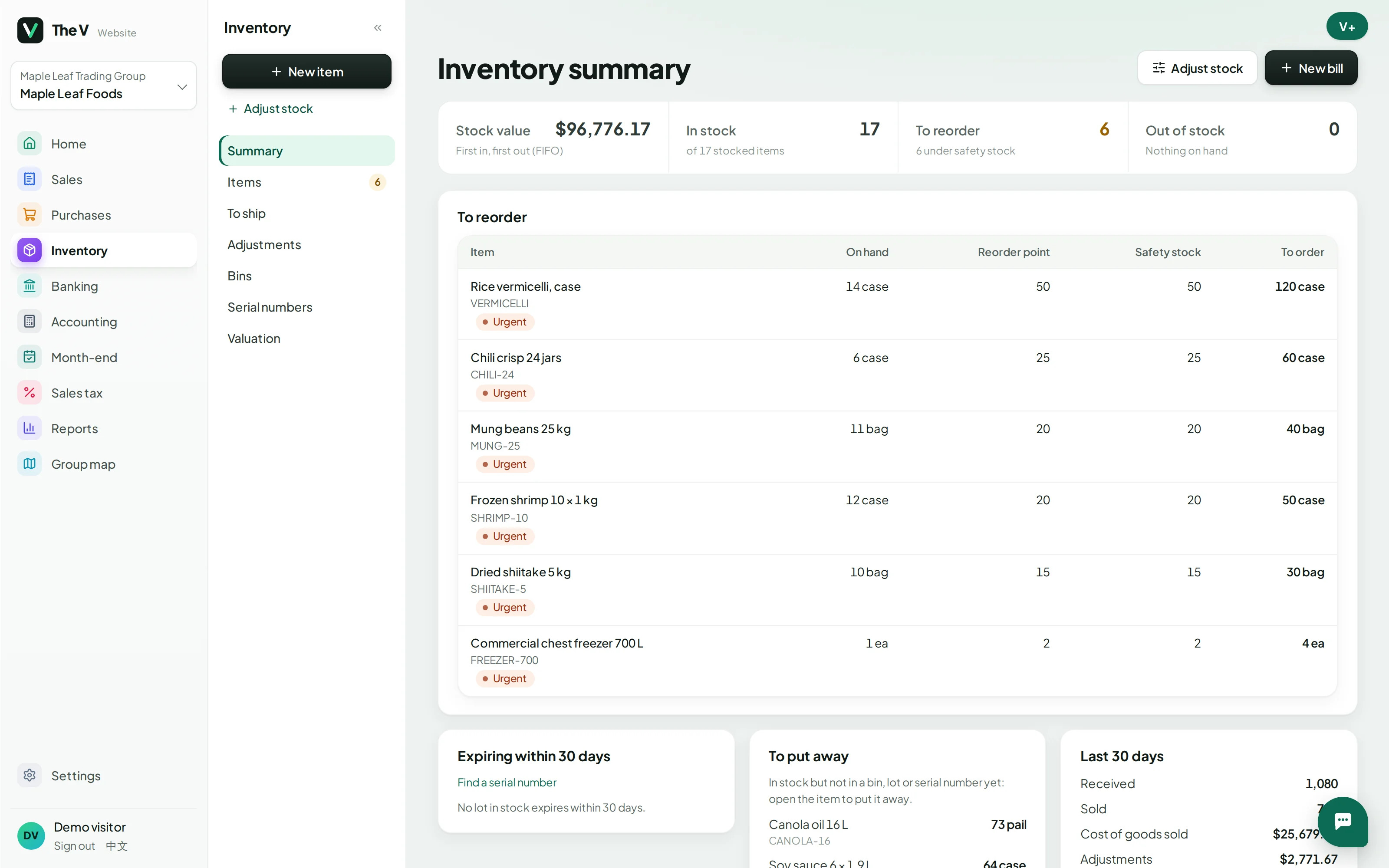
FIFO or average cost, several warehouses and bins, lots with expiry dates, serial numbers, reorder alerts and an order page for your customers.
GST/HST, QST and PST worked out by where you sell, returns prepared line by line with checks, and filed periods locked so nothing moves after you file.
The books and the app run in Montréal. Your data is yours to export, any time.
Owner, system admin, accountant, bookkeeper, tax, payroll and warehouse: each sees and does only their part.
Every change is in the audit trail with who and when. Filed periods lock; taking back a reconciliation is for administrators.
Card payments go to your own Stripe, e-Transfers to your bank. V+ records them and never holds them.
Bring over your accounts, customers, vendors, open invoices and bills, and every month of history — each figure checked against QuickBooks’ own reports before it is posted.
For accountants and bookkeepers
Set up your firm, invite your clients, and work in each one’s books with the right role. Pay for your clients if you like — or let them pay — and see every change in the audit trail.
Per group: one plan covers every company you own, each with its own books.
Yes: accounts, customers, vendors, open invoices and bills and monthly history, checked against QuickBooks’ own reports before posting.
It prepares the return from your books with checks; you file it with the CRA, then mark it filed and the period is locked.
No. Card payments go straight to your own Stripe account and e-Transfers to your bank. V+ only records them.
Yes. The screens are in English or Chinese, and documents to customers can be in English, French or Chinese.
Create an account and set up your first company in a few minutes: 30 days free, no card needed. Or try the demo, or book a demo and we will walk you through it.
Pick a time that suits you: 30 minutes by video with the V+ team, in English or 中文. Booked on the spot.
Or write to support@vorderai.com